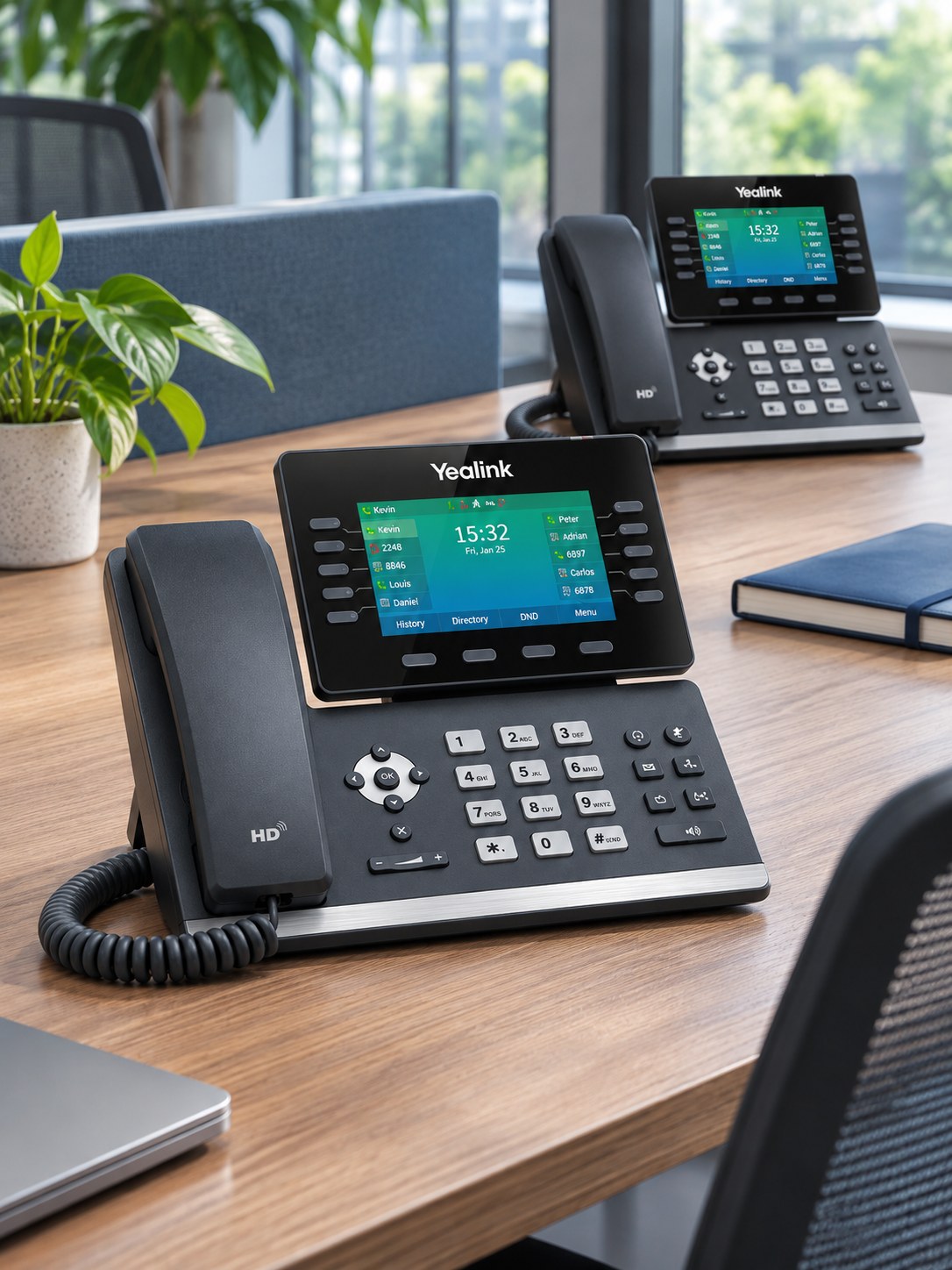
 PHONES / 4 MIN READ
Before you move a business number
The details to gather, the services to check and why you should not cancel the old line first.
Read the guide → My Business
Practical guidance for your business. Understand your options, prepare for a change and know what to ask before you order.
PHONES / 4 MIN READThe details to gather, the services to check and why you should not cancel the old line first.
Read the guide →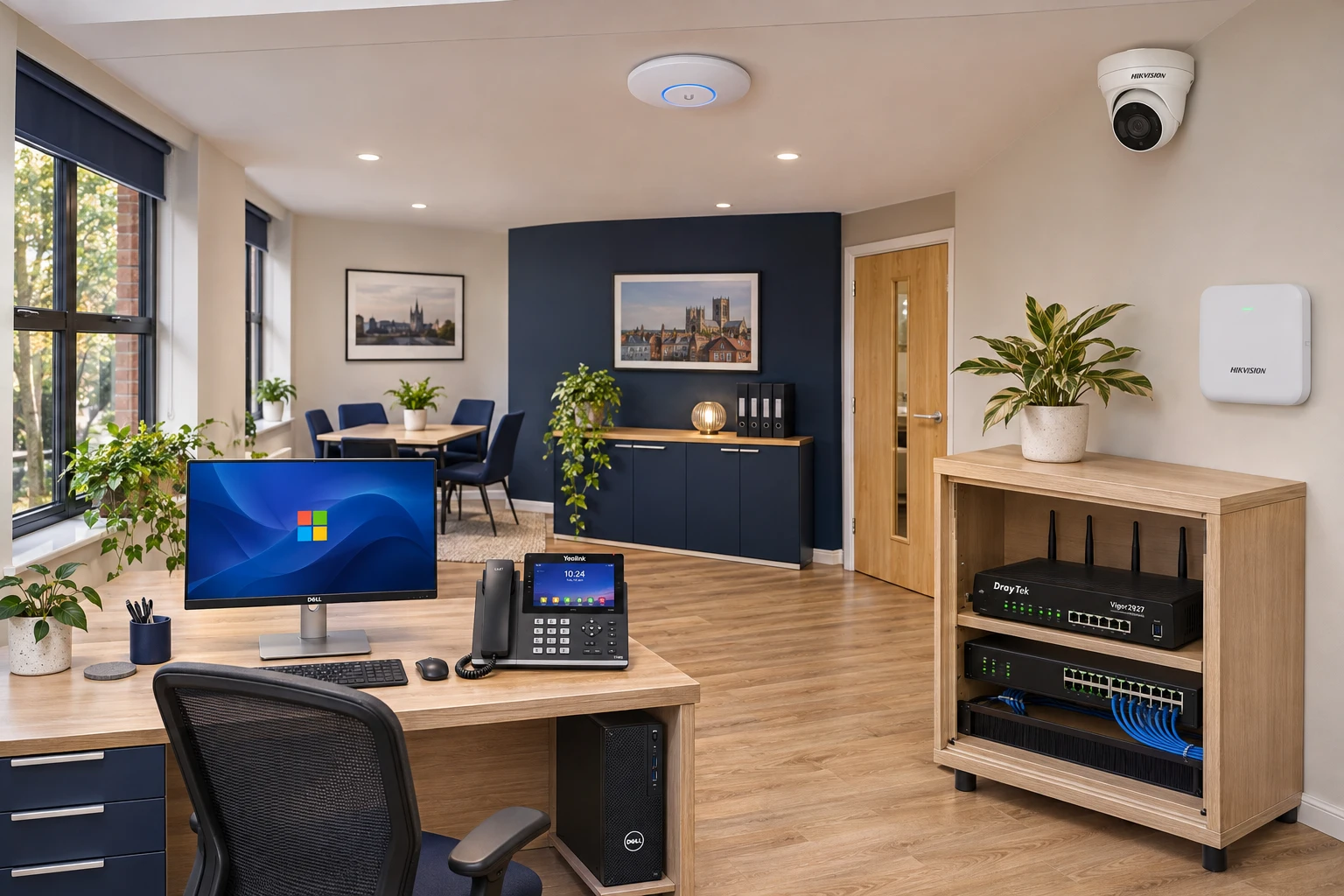 2027 / 3 MIN READ
A walk-around checklist for the equipment that people forget when switching to digital.
Read the guide →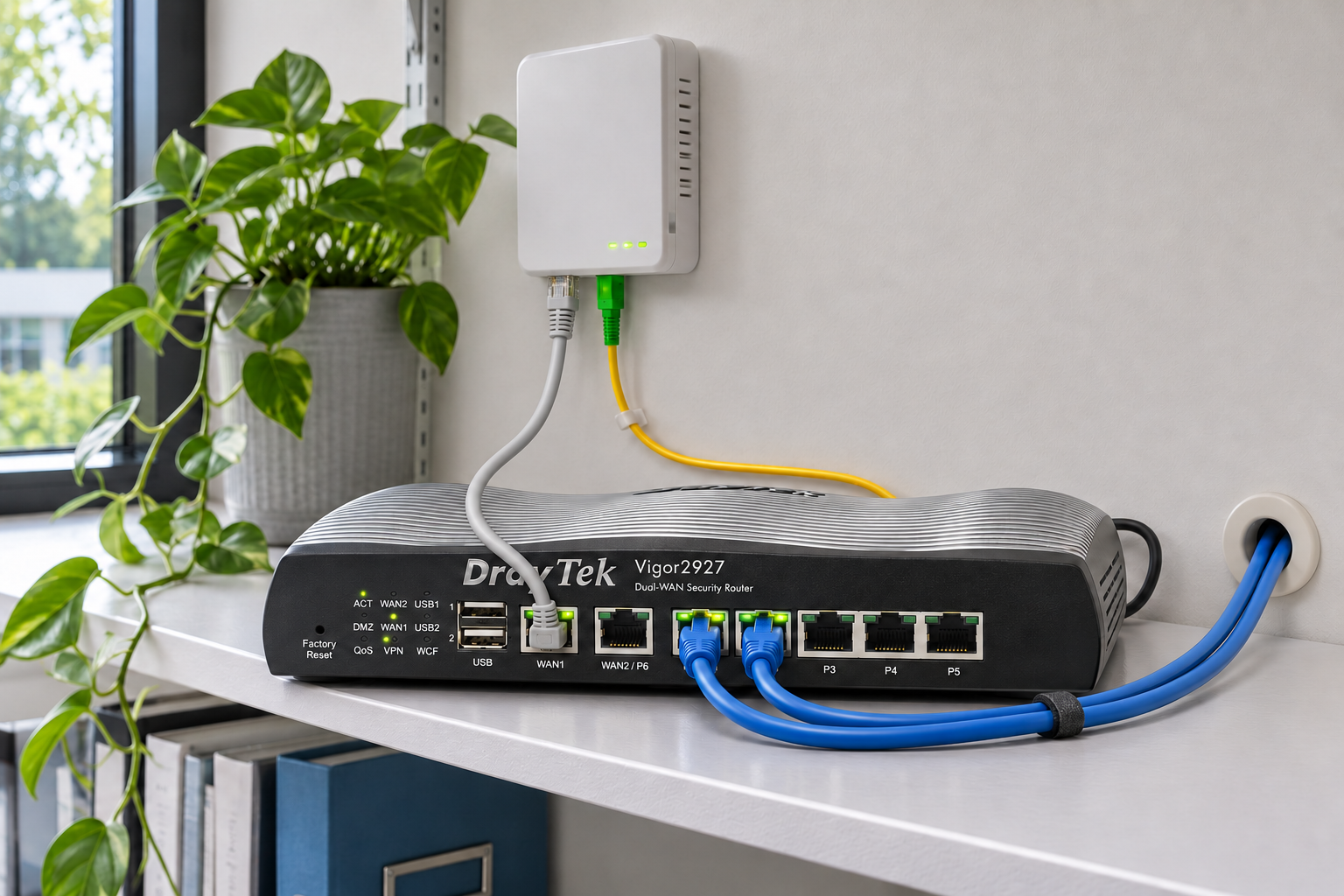 INTERNET / 4 MIN READ
Why upload capacity, support terms and backup can matter as much as download speed.
Read the guide →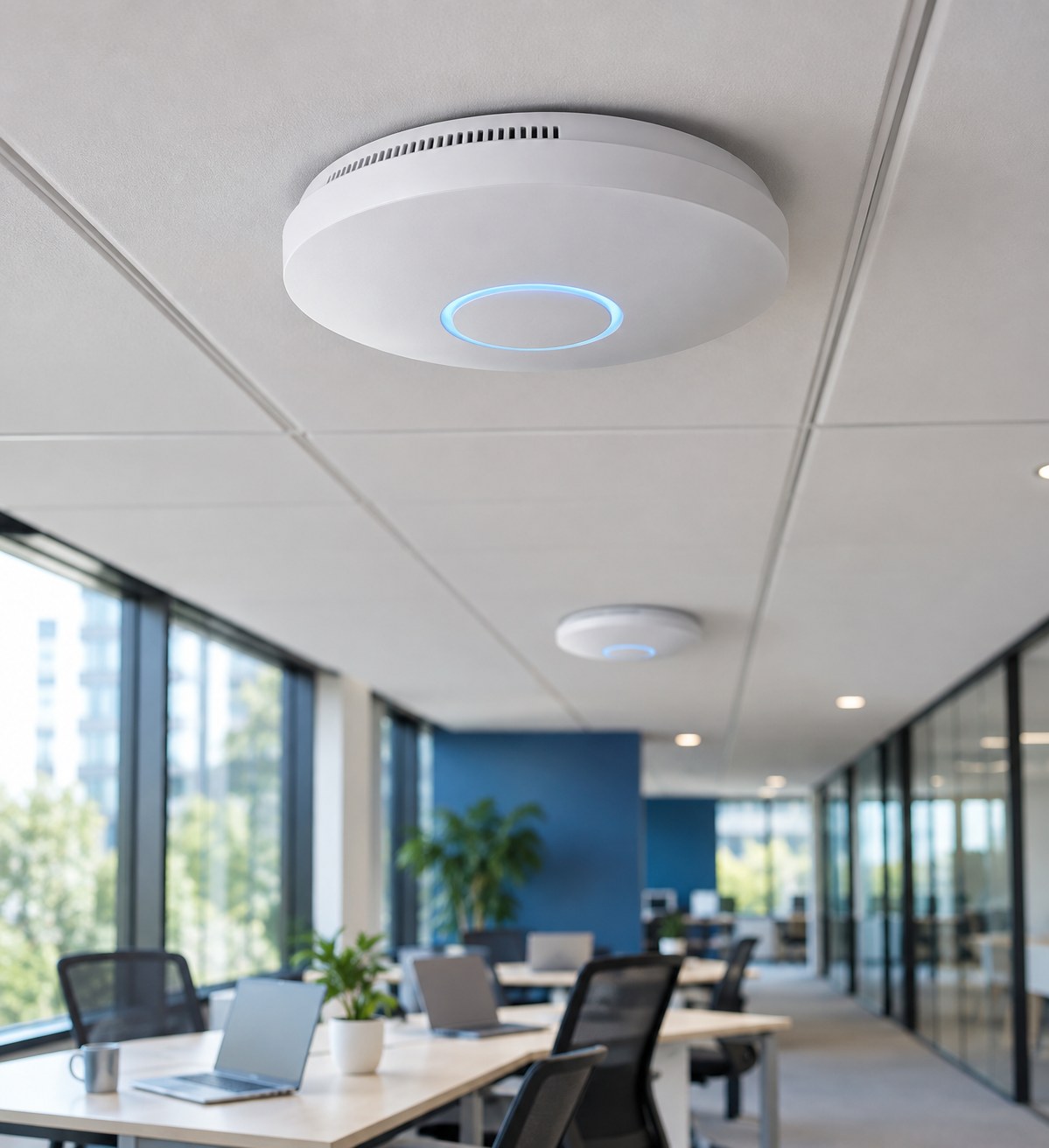 WI-FI / 3 MIN READ
Separate a coverage problem from a broadband problem, then improve the right part of the network.
Read the guide →While on a call, choose Transfer, dial your colleague and wait for them to answer. Explain the call, then complete the transfer using the option shown on your handset. Labels and behaviour vary by model and system configuration.
Use the blind-transfer option if it is configured for your handset. Confirm the destination before completing the transfer. Ask MBC to demonstrate this on your own phone rather than relying on generic feature codes.
Note the time, calling and called numbers, affected extensions, and whether incoming, outgoing or internal calls are affected. Tell us whether internet access and other phones are working. Do not send passwords or reset a router to factory settings.
Ask MBC for the instructions that match your Yealink model and phone-system configuration. Voicemail, forwarding, recording and emergency-calling behaviour depend on the service you use.