Your working data
Identify the files, systems and supported cloud workloads in scope.
 My Business
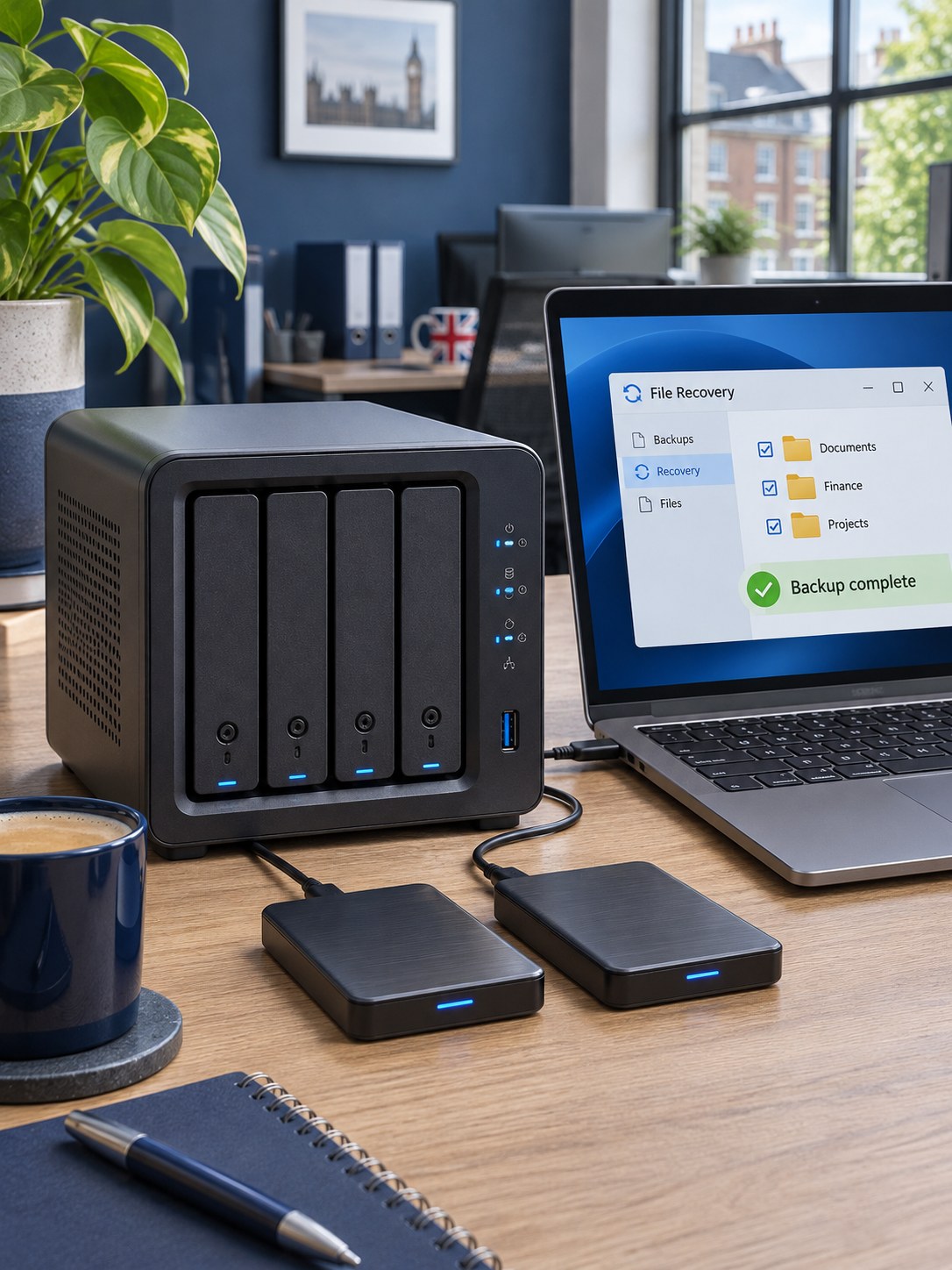
MyBizBackup protects your business with simultaneous local and cloud backups. Back up files and folders or supported disk images to local storage and encrypted off-site cloud storage, combining a nearby recovery copy with protection away from your premises.
Identify the files, systems and supported cloud workloads in scope.
Back up files, folders or supported disk images simultaneously to local and encrypted off-site storage.
Define how the information should be restored when it is needed.
Keep a local copy for convenient recovery and an encrypted off-site copy if a device, local storage or the premises is affected. We plan both destinations together, with schedules, retention and restore requirements matched to the files, folders or supported disk images your business needs to protect.
Back up selected files and folders simultaneously to agreed local storage and encrypted off-site cloud storage. Retained versions help recover information after accidental changes, deletion or device failure.
Capture disk images for supported computers and servers, with simultaneous local and encrypted cloud backup destinations. Image-based recovery can help rebuild a system after failure; compatibility and recovery requirements are agreed before setup.
Supported database and virtual-machine options allow the backup scope to follow the way your systems are deployed. Workload modules and licensing are confirmed in the proposal.
Discuss backup for supported Exchange Online, OneDrive, SharePoint and Teams file data. Coverage is workload-specific; not every Microsoft 365 item type is included.
| Recovery need | An approach to consider | A decision to make |
|---|---|---|
| A deleted file | File-level restore | Which versions and how much history? |
| A failed workstation or server | Disk-image or system recovery | What hardware and downtime can the business accept? |
| A business application | Supported workload backup | How is consistent application data captured? |
| Lost cloud information | Supported Microsoft 365 backup | Which users, sites and item types are in scope? |
Your quotation confirms the products, licences and service responsibilities included.
Our local-and-cloud approach backs up files and folders or supported disk images to both destinations simultaneously. The local copy provides a nearby recovery route, while the encrypted off-site cloud copy helps protect against loss of the device, local backup storage or premises. We agree retention, schedules, encryption-key arrangements and restore testing. Backup success still depends on working jobs, available storage and connectivity, so reporting and failed-job responsibilities form part of the plan.
Both. For the agreed files and folders or supported disk images, MyBizBackup uses simultaneous local and cloud backup destinations. The off-site cloud backup is encrypted, giving you a separate recovery copy away from your premises. We confirm storage, retention and recovery arrangements as part of setup.
A local copy can provide a convenient recovery route, while an encrypted off-site copy helps if the device, local storage or premises is lost or damaged. A useful backup plan includes both successful backup jobs and a tested route to restore the information.
No. Synchronisation and backup solve different problems. A sync process may carry changes or deletions to another location; a backup plan defines retained recovery points.
Supported workloads can be included by agreement. We confirm the users, sites, data types and restore options, including any coverage limitations.
No. Recovery depends on the workload, backup state, destination, software and available hardware. We agree and test an appropriate recovery approach.
Tell us about your people, premises and priorities. We’ll help you find the right fit.