
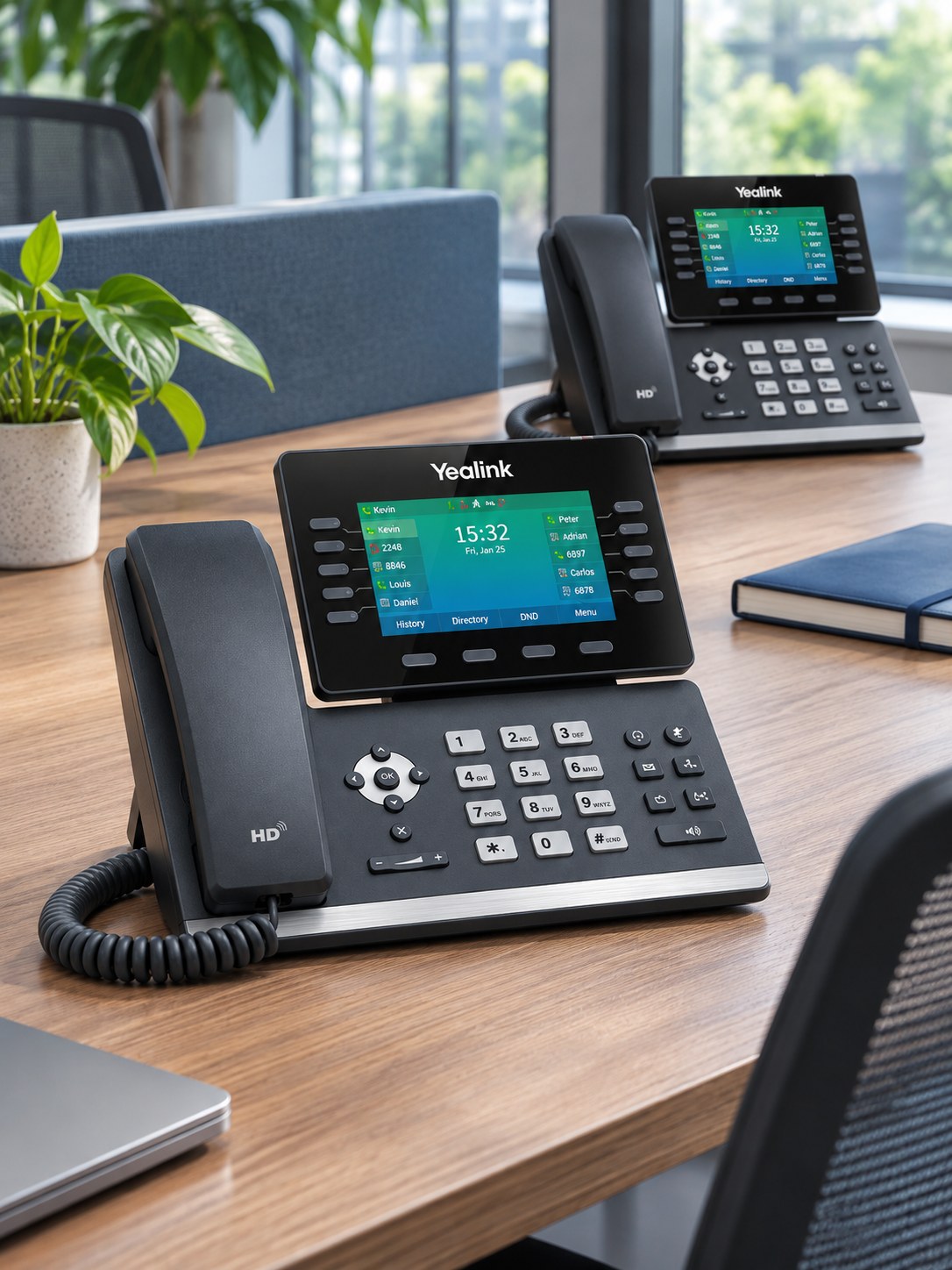
Your published phone number is part of your business identity. Treat the move as a small project, with a named contact and an agreed plan.
1. Make an inventory
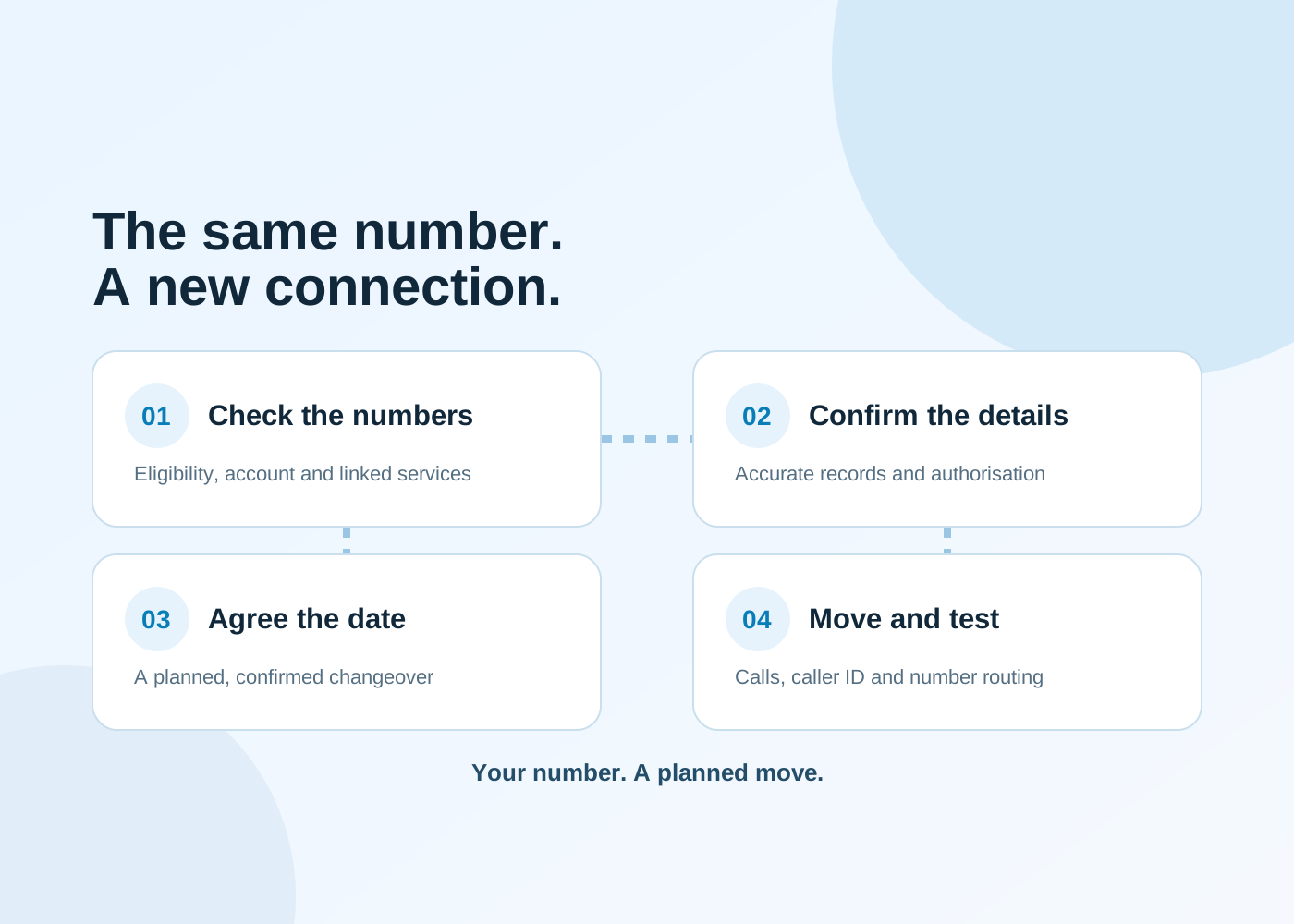
List every number you want to keep, including direct dial numbers, spare lines, fax lines and numbers used only for forwarding. Gather a recent bill, the account holder’s details, service address and the existing provider’s contact information.
2. Check what shares the service
A phone line may also support broadband or specialist equipment. Ask the current and receiving providers what happens to each linked service when the number transfers.
3. Agree the new call handling
Write down who answers, ring groups, opening hours, menus, voicemail and any overflow route. Test new handsets and the network before the planned number transfer where possible.
4. Keep the old service active
Do not cancel it yourself before the port completes. Ask the receiving provider to confirm eligibility, requirements, the expected date and what the transfer will cease. Transfer timing and success depend on correct records and the providers involved.
5. Test after the move
Check incoming calls from more than one network, outgoing caller ID, direct dial numbers, transfers and voicemail. Confirm the emergency-calling address arrangements for your chosen service and locations.
A number list, recent bill, current contract information and the call handling you need. Use an agreed secure channel for any account information; never send passwords in a general enquiry.