
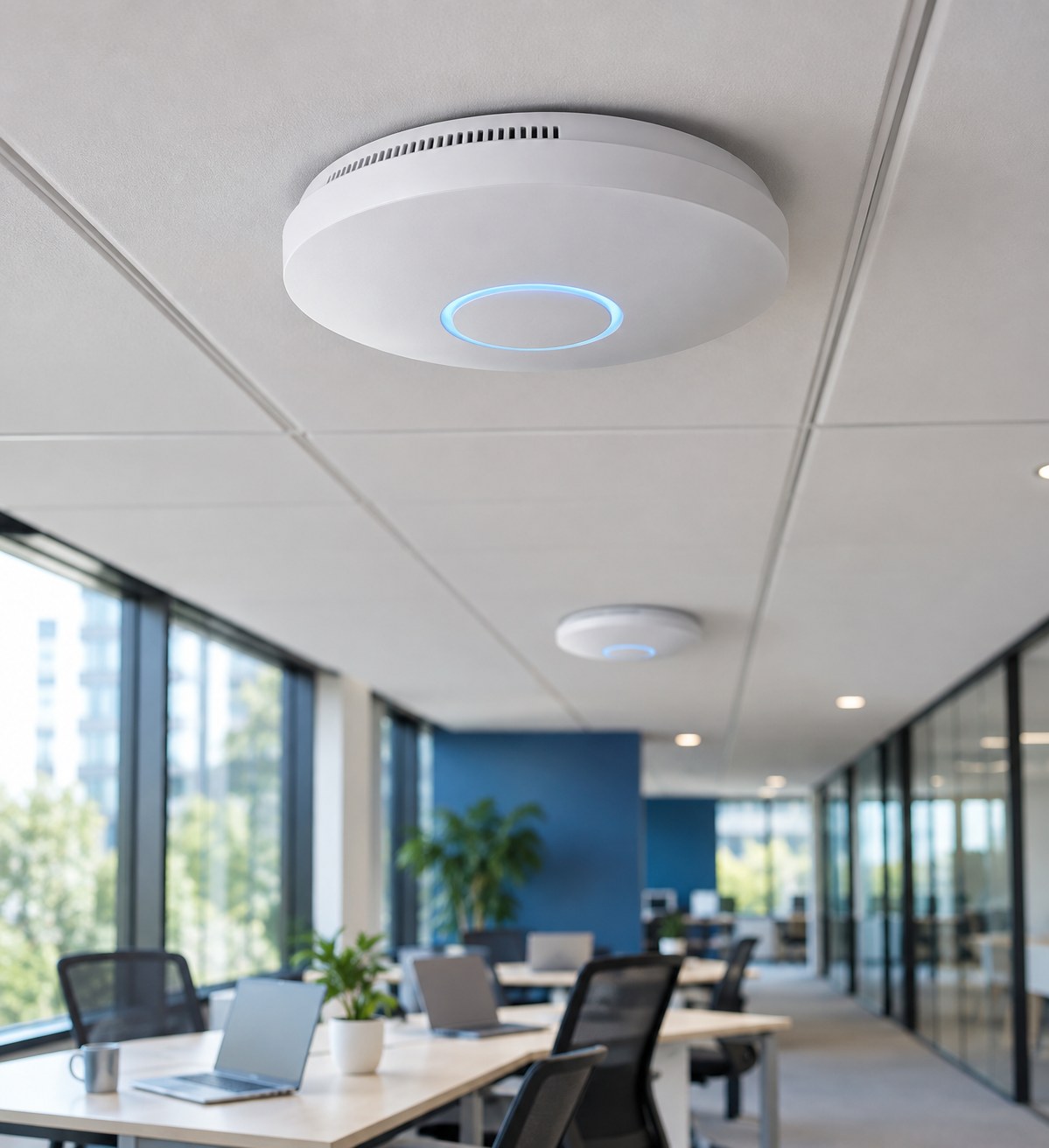
If Wi-Fi works well near the router but poorly in a meeting room, the problem may be coverage rather than your internet package.
Compare wired and wireless performance
Where possible, compare a wired device with a Wi-Fi device at a similar time. Repeat checks in the places people actually work and note whether problems appear only at busy periods.
Map the building
Walls, metal shelving, machinery and floor construction affect wireless signals. Record dead spots, the number of devices and whether people need calls to work while moving between rooms.
Choose the backhaul deliberately
A cabled access point uses a wired link back to the network. A mesh access point uses wireless for that link, sharing capacity and relying on a good connection to another access point. Mesh can be useful where cable is impractical, but it needs planning.
Keep guest access controlled
A separate guest network can limit access to internal resources when routing and firewall rules are configured correctly. Review bandwidth, sign-in requirements and what data you collect.
Look at the network as a whole
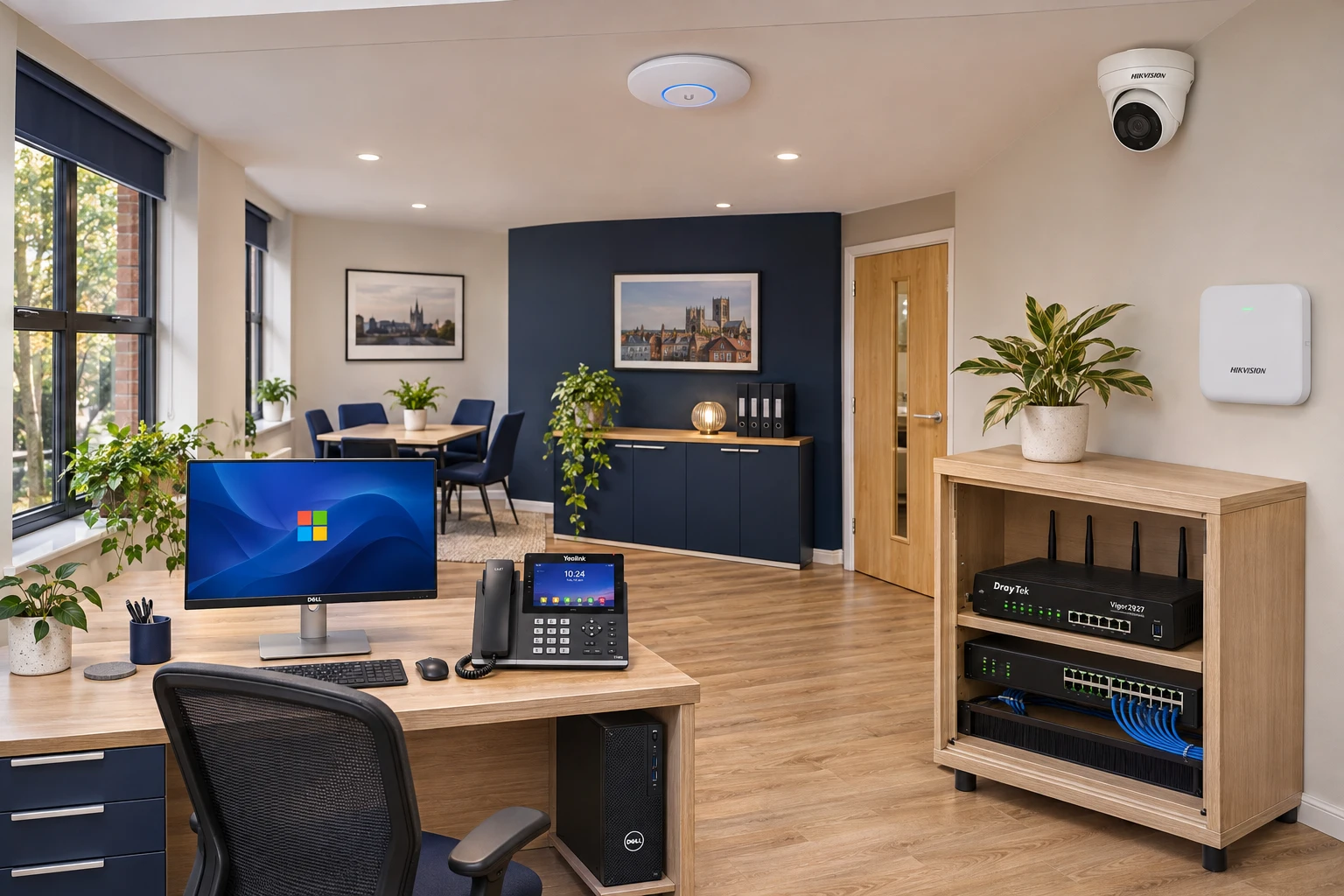
UniFi access points, switches, DrayTek routing and structured cabling need a joined-up configuration. Review existing equipment and controller access before buying more hardware.
Note rooms, times, affected devices and whether a wired connection also struggles. Those details make a survey and diagnosis more useful.