
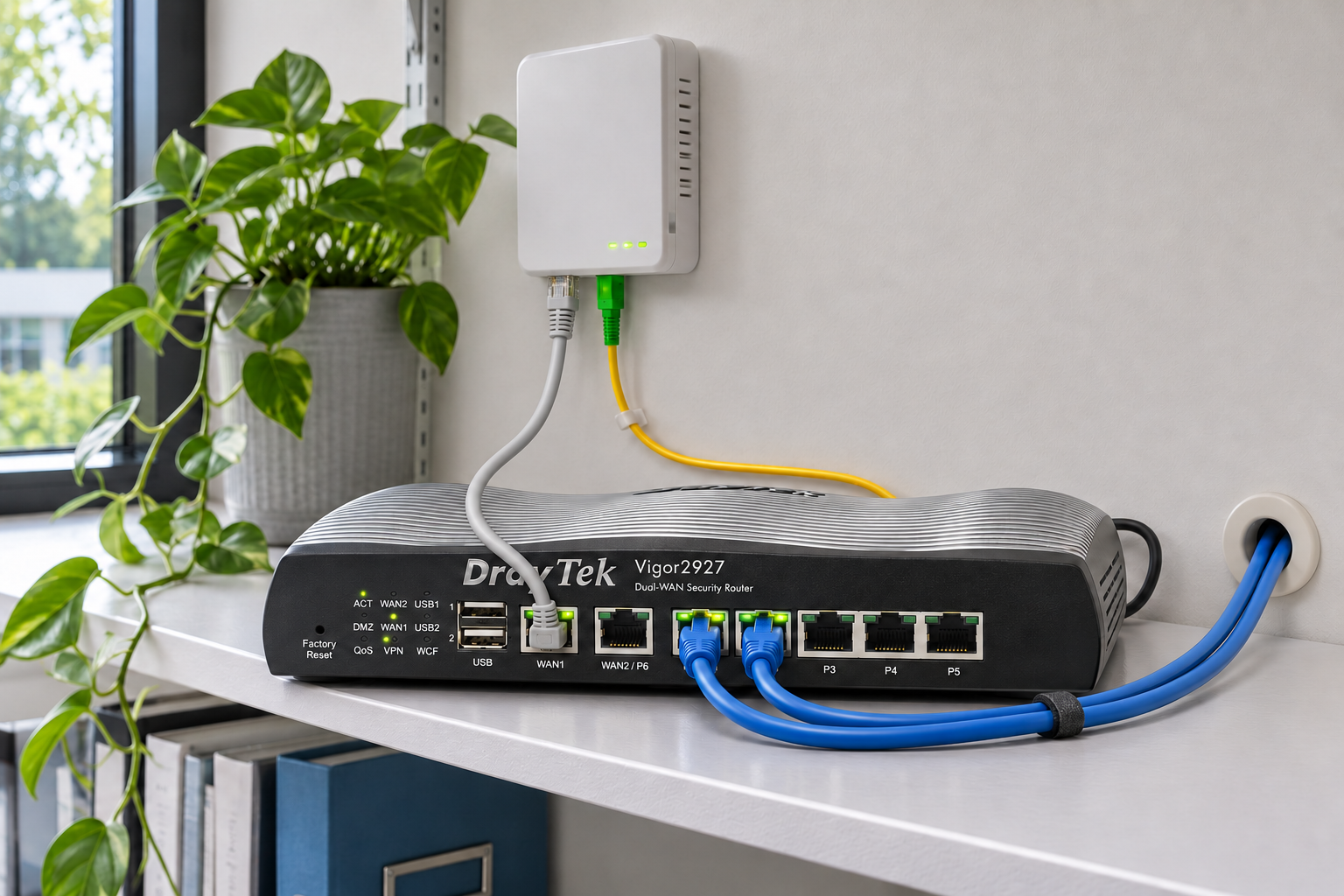
Start with the things the connection has to do, rather than the largest speed on the advert.
Count simultaneous activity
Cloud files, video meetings, hosted calls, remote access and backups can compete for capacity. Consider busy periods and upload use, as well as the number of staff.
Understand the access options
FTTP brings fibre to the premises. SoGEA supplies a data connection without a traditional analogue phone service and may suit an address without full fibre. Dedicated Ethernet can offer symmetrical committed capacity and an agreed service level. Actual options depend on the exact address and order.
Read the service commitments
Ask for the speed estimate, installation requirements, contract term, support route and applicable repair commitments. A business label or a high headline speed does not by itself establish a particular repair time.
Decide what must survive an outage
A secondary fixed or mobile connection can help keep selected work going, subject to coverage, capacity, routing and power. Test the behaviour. Active calls and sessions may need to reconnect after failover.
Check the local network
A poor Wi-Fi signal or overloaded switch will not necessarily improve when the broadband is upgraded. Ask for line performance and internal network performance to be considered separately.
Your full premises address, busiest applications, user count, upload needs, current service, contract end date and the impact of an outage.